
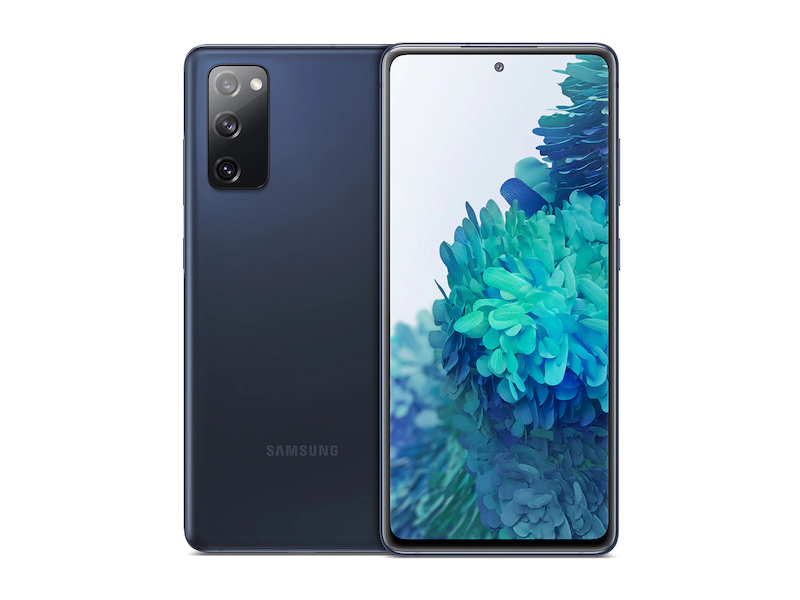
Image: Samsung
Why you need to update your Samsung Galaxy immediately
- Samsung Galaxy users face critical security risks due to recent vulnerabilities found in some devices.
- Older Samsung models, particularly Galaxy S and Galaxy Note series from 2019 and 2020, are most affected. If you own one of these devices, you’re at greater risk.
- While waiting for Samsung's November update, make sure your device is running the latest available software version. This helps reduce security risks in the meantime.
Millions of Samsung Galaxy phones now face security vulnerabilities due to a severe hardware issue affecting some models. First identified by Google and Qualcomm, it can allow hackers access to the device’s full systems, potentially compromising user data. The U.S. Cybersecurity and Infrastructure Security Agency (CISA) issued an urgent alert, urging Samsung users to update their devices as soon as possible. While Samsung has started rolling out patches, the updates may not be available for all devices right away.
This warning is a big deal for Samsung device owners. Security flaws can allow unauthorized access to personal information, making users’ data, photos, messages, and other personal content accessible to hackers. Ensuring your device is up to date is crucial to protect your privacy and security.
Which devices are affected?
This issue mainly affects older Samsung Galaxy devices, including:
- Galaxy S20 and Note 20 series (2020 models with Exynos processors)
- Galaxy S10 and Note 10 series (2019 models with Exynos processors)
- Certain Galaxy A, F, and M series models, which often use the same Exynos chips worldwide
- Galaxy Watch 4 and Watch 5 series, which also use affected chipsets
If you purchased your device in the U.S., you’re likely using a model with a Snapdragon processor, which may not be impacted. However, if you have an Exynos-powered model or a Galaxy Watch from the affected series, you should prioritize updating as soon as the patch is available. To be certain, you can check which chipset your Samsung Galaxy device uses.
How to check if your Samsung Galaxy device uses an Exynos or Snapdragon chipset.
To determine whether your device has an Exynos or Snapdragon processor, follow these steps:
- Open your device’s Settings app.
- Scroll down and select About Phone.
- Look for the Model Number of your device.
- Search the model number online, which should indicate whether your device uses an Exynos or Snapdragon chipset.
Alternatively, you can use third-party apps like CPU-Z or AIDA64 to display your device’s chipset information.
What steps should Samsung users take now?
While Samsung works on releasing an official patch to address this vulnerability, there are steps users can take to stay secure:
- Check for Software Updates Daily: Go to Settings > Software Update to see if an update is available.
- Avoid Suspicious Links and Downloads: This vulnerability makes devices more susceptible to attacks, so avoid clicking unfamiliar links or downloading apps from untrusted sources.
- Consider Upgrading Older Devices: If you own a Galaxy S10 or Galaxy S20 that hasn’t received an update since 2022 or 2023, it may be time to upgrade. Newer Samsung models come with improved security features and longer update support.
Recap: Should I update my Samsung Galaxy device?
Yes, you should update your Samsung Galaxy device immediately due to the serious security risks it poses. Unlike other updates that focus on minor improvements or aesthetic changes, this update is essential for protecting your personal data and privacy. The vulnerabilities mentioned in certain Galaxy models are severe, allowing potential unauthorized access to your device's systems. Until further updates are released, avoid downloading unfamiliar apps and be cautious with links and emails from unknown sources, as these may expose your device to further risks. We will be following this story for any updates on further security risks.
Aletta Cooke
Staff Writer

Thousands of cell phone plans unpacked. All the facts. No surprises.





.png?w=280&h=280&usm=20&usmrad=0.8&fit=crop "The Best Cheap Phone Plans for 2026: We Tested Them All to Help You Save")


