
Most cell phones available in the U.S. are now compatible with eSIMs. As a general rule of thumb, if your phone is newer than 2018, you can use an eSIM for your cell phone plan. Fan-favorite phones, including the iPhone 16, Samsung Galaxy S25, and Google Pixel 9 and Pixel 9 Pro can all use eSIMs.
Gone are the days of fumbling with nano, micro, and standard sized SIM cards, so put down your straightened paperclip and read on to discover eSIMs and all their benefits. Plus, eSIMs can help you easily swap between multiple SIM cards on one device.
What is an eSIM?
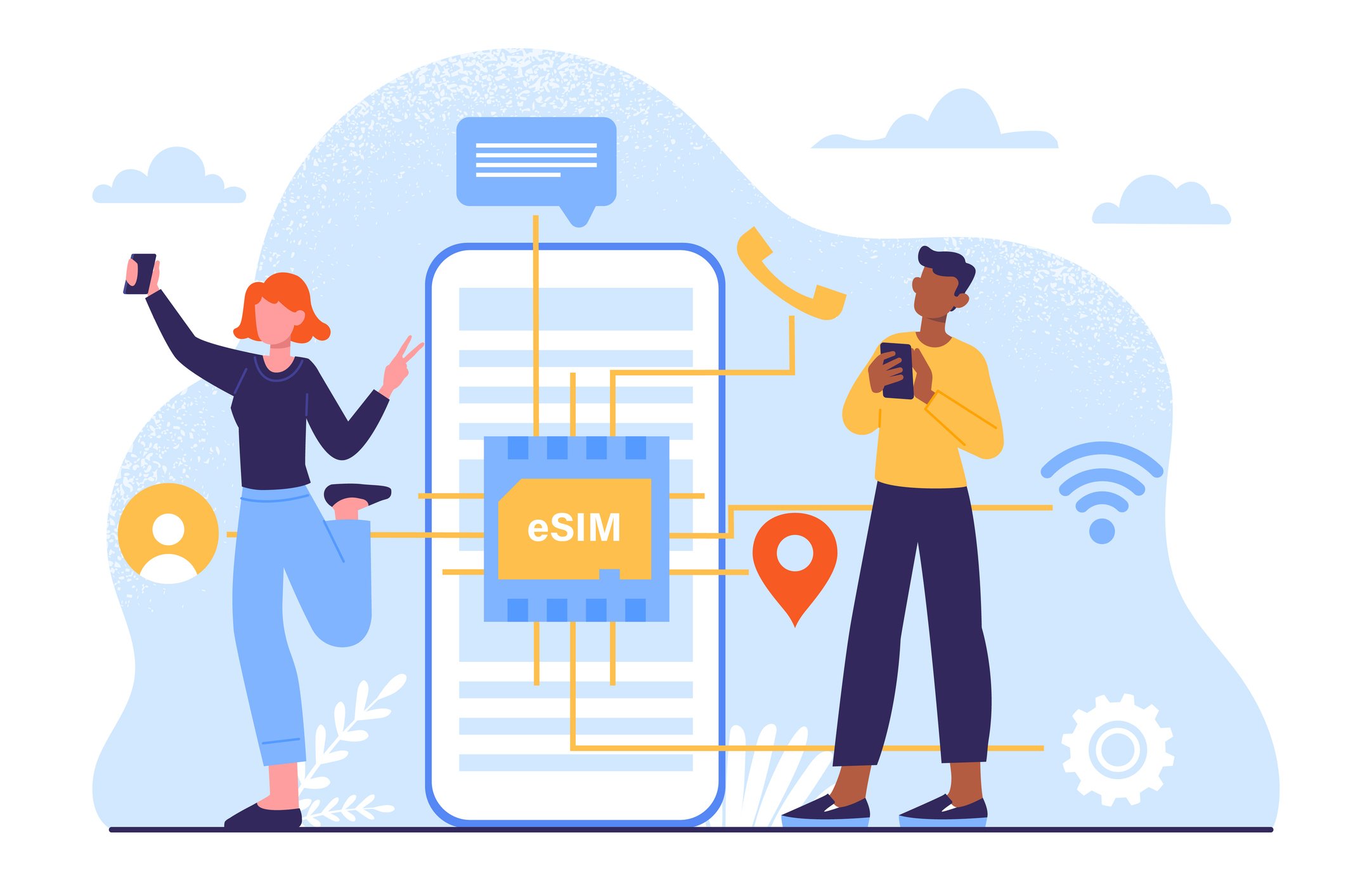
An eSIM is a digital SIM card. Unlike the standard physical SIM, which comes in different SIM sizes, the eSIM is built into your device and you can't remove it (nor should you need to remove it). There's no extra fee for an eSIM, since it’s programmed remotely right into your phone—no more waiting around for your new SIM card to arrive in the mail.
eSIMs are also used in other connected devices. Have you ever wondered how your Apple Watch connects to its data plan even though there's no SIM card slot? That's right, an eSIM.
What carriers have eSIMs?
Most major carriers in the U.S. offer eSIMs, but a few smaller carriers outside the Big Three still depend on physical SIM cards.
Here’s a list of the current eSIM providers in the United States:
The current MVNOs that use eSIMs include:
|
#1
|
Visible

$25 Visible Plan
$25.00/mo
Taxes & Fees included
|
|
#2
|
Mint Mobile

Unlimited Data Plan
$10.00/mo
$60 for 6 months of service
|
|
#3
|
Verizon

Simplicity Plan
$30.00/mo
+ Taxes & Fees. Price includes AutoPay & Bring a Number discount
|
Which phones use eSIMs?
Currently, Google, Samsung, Apple, and Motorola all have phones that support eSIMs, including the Google Pixel 9, iPhone 16, the Motorola Edge, and Samsung's latest release of Galaxy S25 phones and Z Flip foldable phones.
eSIM-Compatible Cell Phones
| Brand | eSIM Compatible Phones |
|---|---|
| Pixel 2 series (for Google Fi service only) Pixel 3 series Pixel 3a, 3a XL (for Google Fi service only) Pixel 4 series Pixel 5 series Pixel 6 series Pixel 7 series Pixel 8 series Pixel 9 series Pixel 10 series |
|
| Apple | iPhone XS series iPhone 11 series iPhone SE 2nd gen (2020) SE 3rd gen (2022) iPhone 12 series iPhone 13 series iPhone 14 series iPhone 15 series iPhone 16 series iPhone Air iPhone 17 series |
| Samsung | Galaxy Fold Galaxy S20, S20+, S20 Ultra Galaxy S21, S21+, S21 Ultra Galaxy S22, S22+, S22 Ultra Galaxy S23,S23+, S23 Ultra Galaxy Note20, Note20 Ultra Galaxy Z Fold2, Z Fold3, Z Fold4, Z Fold5 Z Flip, Z Flip3, Z Flip4, Z Flip5, Z Flip6 |
| Motorola | razr, razr 5G, razr Plus, razr Edge |
Why choose an eSIM?
Overall, eSIMs are better than physical SIM cards because they make swapping SIMs so easy—although they may not appeal to everyone.
Pros:
- Switch easily from one SIM to another
- Activate your new plan immediately
- Great for traveling
- Great for traveling
Cons:
- Not all phones have dual SIM functionality (can't use both plans simultaneously).
- If your phone breaks, you can't just take your eSIM out and use it in a back-up phone.
You get service immediately
With eSIMs, you get near-instant access to your newly purchased plan. You won’t need to wait for snail-mail to reach your mailbox since there’s no need for a physical SIM to be shipped out by your carrier.
You can have multiple eSIMs
The main benefit of eSIMs is using two different numbers or service plans on your phone at the same time. Multiple eSIMs allow you to keep business and pleasure separate on the same phone. Whether it's a work number and a personal cell phone number, or you need a travel SIM card while you're on vacation abroad, you can easily add multiple eSIMs onto most newer phones.
You can switch eSIMs easily
With eSIMs, switching from one phone account to another just takes a few taps instead of replacing your SIM card each and every time. No more finding a pin to open the SIM card slot, then almost dropping (and losing) your tiny SIM card while you're switching them out. Just select which eSIM you want as your primary or main service in your phone’s settings to switch between plans.
Your eSIM is free
You no longer have to pay for shipping fees for carriers to send out physical SIM cards since eSIMs can be programmed remotely. You won’t have any additional costs on your phone plan.
You can get travel eSIMs
When on vacation or traveling abroad, you can easily install a new eSIM with a travel-friendly plan so you don’t get disconnected on the go. And if you’re heading overseas, you can find an international eSIM to take with you. Bit first, check out the best eSIMs for international travel to help you save on your next big trip.
You won’t lose your eSIM
Since your eSIM is already built into your phone, there’s no risk of dropping or losing it like when you switch between physical SIM cards. However, that being said, if you break your phone, you can’t take out your eSIM and insert it into a new phone. So while you can’t lose it, you also can’t save it in case of a serious drop or plunge.
Important: Using dual SIMs
If you're planning on using another carrier's eSIM in your current phone, your phone will need to be unlocked from your carrier in order for it to work. Much like how your phone needs to be unlocked to use another carrier's regular SIM, your phone must be unlocked to use its eSIM also.
How do I activate an eSIM plan?
Overall, eSIM activation is quick and easy. Once you've picked an eSIM plan and paid for it, your carrier will email you a QR code to scan or give you an activation number.All you need to do is scan the QR code (or input the number) within your phone's eSIM settings. In some cases, you may also activate your eSIM via your carrier's app.
How to activate an eSIM on an iPhone
- Go to Settings.
- Select Cellular or Mobile Data.
- Tap Add Cellular Plan.
- Scan the QR code provided by your carrier and enter the confirmation code (if required).
- Toggle on your new line under Mobile Data.
How to activate an eSIM on an Android phone
- Go to Settings.
- Select Network & internet or Connections.
- Tap Mobile network or SIM card manager.
- Choose Add mobile plan or Add eSIM.
- Select Add using a QR code.
- Scan the QR code provided by your carrier and enter the confirmation code provided by your carrier (if required).
- Turn on your new line under Network & internet or Connections.
Can I use an eSIM and physical SIM at the same time?
Even if you have both your physical SIM plan and your eSIM plan activated in your phone, your device may not allow you to use both plans at the same time. Currently, the following phones have dual SIM functionality:
- iPhone XS, XS Max, XR or later, with iOS 12.1 or later, up to the latest iPhone 16 series
- Google Pixel 3a and later models up to the recent Pixel 9 and 9 Pro
- Samsung Galaxy S10 and later models, including the newest Galaxy S25 series.
Switch between SIM and eSIM on iPhone
- Go to Settings.
- Select Cellular or Mobile Data.
- Find SIMs or Cellular Plans.
- Toggle on the SIM card or eSIM you want to use.
Switch between SIM and eSIM on Android
- Go to Settings.
- Select Network & internet or Connections.
- Tap Mobile Network or SIM card manager.
- Choose the SIM card or eSIM you want to use.
Phones with dual SIMs
Devices that allow you use use two SIM cards at once are called dual SIM phones. All of the newer iPhones (from the XS and newer) and Samsung Galaxy eSIM phones allow you to use both your regular SIM and eSIM simultaneously, and you can even designate what you want to use each SIM for. For example, you can choose to use your eSIM for data only and your regular SIM card for voice and text. This can all be managed within your phone's Settings. You can always check if you're using two SIMs (dual SIMs) by looking at the top of your screen: You'll see both carrier's service bars, one above the other.eSIM FAQs
Is my phone eSIM compatible?
If your phone is newer than 2018, it's eSIM compatible. If you aren't sure, you can check if your phone is eSIM compatible under your phone’s settings.
Check eSIM compatibility on iPhone by following these steps:
- Go to Settings.
- Tap General and then About.
- Scroll down to the SIM sections (digital, physical, or available).
- If you see an IMEI number, your phone is eSIM-compatible.
Check eSIM compatibility on an Android device by following these steps:
- Open Settings.
- Select About Phone.
- Look for SIM Status.
- You’ll see Embedded SIM if your phone supports eSIMs.
Do eSIMs drain your battery?
No, eSIMs don’t drain battery and are designed to be energy efficient. Since an eSIM’s digital software is installed on your device, it can connect to your mobile network faster than reading a physical microchip SIM.
Is an eSIM better than a physical SIM?
eSIMs are better than physical SIM cards because they are convenient and easy to use. You can install multiple eSIMs on your phone (with different numbers) and easily switch between your plans.
Jessica Santero
Staff Writer

Thousands of cell phone plans unpacked. All the facts. No surprises.


.png?w=160&h=160&usm=20&usmrad=0.8&fit=crop "Cell Coverage Near You: Who Has the Best 5G Network?")





.png?w=280&h=280&usm=20&usmrad=0.8&fit=crop "The Best Cheap Phone Plans for 2026: We Tested Them All to Help You Save")


