

Contrary to popular belief, charging your cell phone overnight does not ruin the battery. Common cell phone myths like this—often related to batteries, 5G technology, and safety concerns—have been around as long as mobile devices themselves. But how many of these myths have any weight to them? And what percentage of people still hold onto myths that experts have already shown to be unfounded or insignificant?
We decided to fact-check some of the most common cell phone myths to provide you with the truth and some useful insights along the way.
Myth #1: Should you close background apps to save battery?
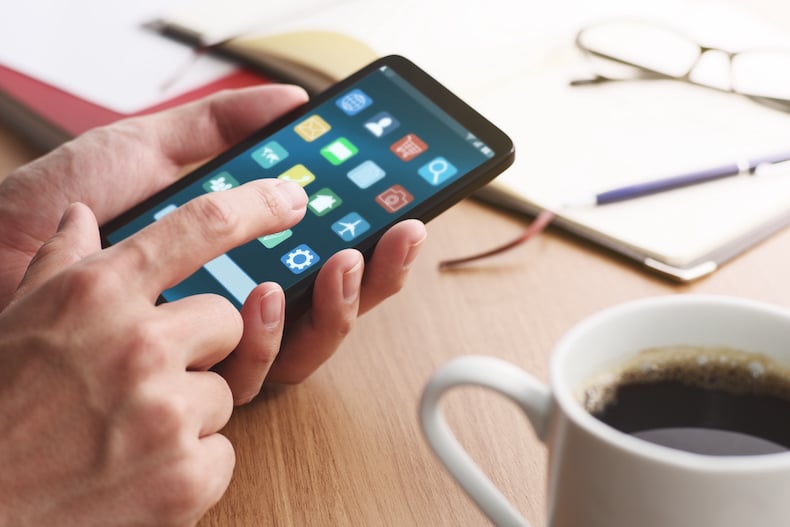
Image: tadamichi | iStock
43% of people think closing background apps saves battery—but is it true?
Not exactly. Modern smartphones are built to manage background processes efficiently. Both iPhones and Android devices have adaptive battery charging capabilities to help optimize power usage without any manual intervention.
In fact, force-closing apps can sometimes waste more battery, since reopening them takes more energy than leaving them idle.
However, some background apps can drain your data—especially those that refresh frequently. This constant refreshing of unnecessary apps can also make your phone feel slower than usual.
TL;DR: Closing background apps doesn’t save battery life, but checking which apps refresh frequently and limiting their refresh rate helps conserve data.
Myth #2: Does using Bluetooth and Wi-Fi Direct drain your battery faster?
25% of people think keeping Bluetooth on drains your battery faster, but modern smartphones are designed to be highly efficient, making any impact minimal.
Bluetooth Low Energy (BLE, or Bluetooth LE) technology keeps power consumption low, so simply leaving Bluetooth on all day won’t significantly affect battery life. However, actively using Bluetooth accessories like headphones or smartwatches will drain some battery—just like any other connected feature.
Though it’s similar to Bluetooth, Wi-Fi Direct can be more power-intensive. While keeping it on won’t drain your battery by itself, it uses more energy than Bluetooth when actively transferring data. Since Wi-Fi Direct enables direct device-to-device connections at higher frequencies, prolonged use—especially for large file transfers or streaming—can noticeably impact battery life.
TL;DR: You can leave your Bluetooth and Wi-Fi Direct on all day without extra battery drain, but when you actively use these features with devices, your battery will drain faster (just like using other apps).
Myth #3: Does charging your phone overnight shorten its battery life?
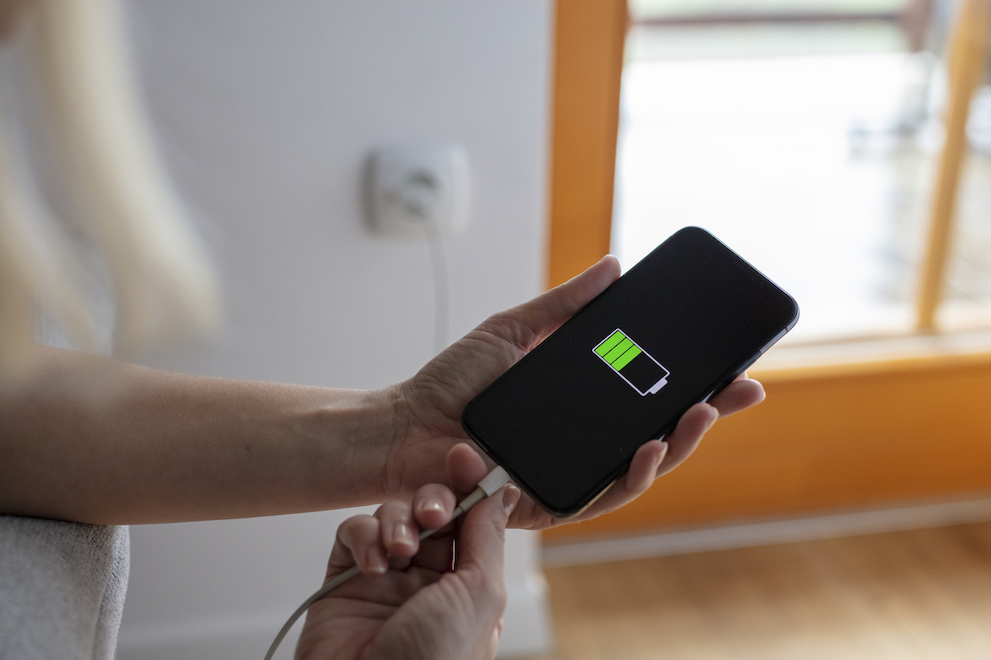
Image: Simon Skafar
Nearly 1 in 4 people believe leaving their phone plugged in overnight will damage the battery—but they’re wrong.
Today’s smartphones automatically prevent overcharging after reaching up to 100% battery. So even though your phone’s plugged in all night with a fast charger, it won't get too much juice.
However, keeping your phone at full charge for extended periods of time can warm up and wear down your battery, so keeping it between 20–80% charge helps extend its life.
TL;DR: If you prefer charging your phone overnight, go for it. If you want to improve smartphone battery life, aim to keep your charge between 20% and 80%, and avoid running at full charge for extended periods of time.
Myth #4: Should you only use the charger that came with your phone?
Brands would love it if you bought their accessories exclusively, but there is no need to use the exact charger that your phone came with. What is important is that it meets proper safety and power standards, such as USB-IF or Qi certification.
You can find great deals on reputable third-party chargers (that may charge faster), as long as they’re certified and provide the correct voltage and amperage. However, avoid cheap, uncertified chargers, as they can overheat or deliver slower charging speeds, potentially damaging your device or battery.
TL;DR: You don’t have to use the charger that came with your phone, and most third-party chargers are generally safe, provided they meet wireless standards.
Myth #5: Is using a cell phone at a gas pump dangerous?

Image: Simon Skafar
You’ve probably seen the signs warning against using your cell phone at the gas pump. It stands to reason, then, that 1 in 5 people believe static electricity from phones can ignite a fire. However, the National Fire Protection Association (NFPA) stated that the risk is negligible. Multiple studies have tested this urban legend and found no evidence to support it.
The purpose of those warning signs are instead to make sure you keep your attention on the flammable liquid you’re pouring into your vehicle, rather than the meme your coworker just texted you.
TL;DR: Using your phone at a gas station is not inherently dangerous—but it’s best to make sure you follow safety precautions and avoid distractions altogether.
Myth #6: Can cell phones cause cancer?
No conclusive evidence has been found linking cell phone use and cancer.
Many have wondered if 5G technology is dangerous, and despite zero evidence to support it, the myth persists. What has been posited by the International Agency for Research on Cancer is that cell phone radiofrequency radiation may be a possible human carcinogen; while ongoing studies continue to examine potential risks, none have conclusively identified phones as a cancerous culprit. While it's always wise to stay informed, there's no need to worry about these risks based on what's known today.
TL;DR: Cell phones are not known to cause cancer.
Myth #7: Is it unsafe to keep your cell phone in your pocket because of radiation?
It’s considered generally safe to keep your phone in your pocket, but 14% of people think keeping a cell phone in your pocket is dangerous due to radiation.
Studies have shown mixed results. There isn't a lot of conclusive evidence to suggest that the radiation emitted by cell phones is a direct cause for male infertility, for example, despite a lot of concern to that effect. However, it’s a good idea to avoid prolonged exposure with any device near sensitive areas.
TL;DR: Keeping your phone in your pocket is generally fine, but avoid prolonged exposure.
Myth #8: Can putting your phone in Airplane Mode keep you from being tracked?
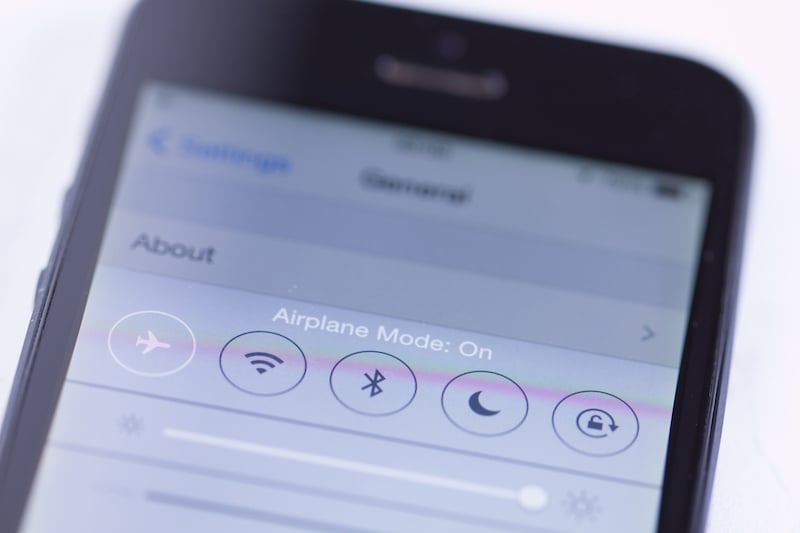
Image: elfart | iStock
Though over 1 in 10 people believe Airplane Mode prevents tracking, it won’t.
While Airplane Mode disables cellular and Wi-Fi signals, it doesn’t affect GPS, which still tracks your location using satellites. Without a network or internet, this data can’t be transmitted, but it’s still being recorded. To fully prevent tracking, you need to disable location services altogether.
TL;DR: Airplane Mode doesn’t stop all tracking—turn off location services to stay private.
Myth #9: Will your cell phone explode if you take a call while it's charging?
There are 7% of people walking around believing their phone could explode if they take a call while charging. They’re (thankfully) wrong.
Modern smartphones are designed to function safely while plugged in, even during calls. They have built-in safety circuits to prevent overcharging and overheating, ensuring your phone stays safe.
TL;DR: No, your phone won’t explode from charging and talking at the same time—it's built to handle charging safely.
Bonus myth: A good phone plan must be an expensive one
Most Americans waste $1,500/year on a phone plan thinking they need the most expensive unlimited option to handle their needs. In fact, most cell phone users consume less than 20GB of high-speed data per month.
Today’s phone plans have gotten far more efficient. Major-network-backed carriers like Visible and Mint Mobile offer unlimited talk, text, and data plans for $20-45/month—less than half the price of a single-line plan from the likes of Verizon or AT&T—with built-in high-speed allowances of up to 50GB, over double what you likely even use. If you know you don’t need that much premium data, you can lower your bill even further.
|
Visible

$25 Visible Plan
$25.00/mo
Taxes & Fees included
|
|
Mint Mobile

Unlimited Data Plan
$10.00/mo
$60 for 6 months of service
|
|
US Mobile

Unlimited Starter Plan
$10.00/mo
|
|
Spectrum Mobile®

Unlimited
$30.00/mo
+ $20 Upfront
|
|
Tello

Unlimited Text, 300 Minutes, and 2GB Plan
$8.00/mo
|
Our Mobile Overspending Report breaks down this myth even further. Because when you know better, you spend better.
Methodology:
We surveyed 1,000 American adults using Pollfish. Results are post-stratified.
Trevor Wheelwright

Thousands of cell phone plans unpacked. All the facts. No surprises.





.png?w=280&h=280&usm=20&usmrad=0.8&fit=crop "The Best Cheap Phone Plans for 2026: We Tested Them All to Help You Save")


