
Google's Security Checkup is a free tool that scans your entire Google account and shows you every weak spot on a single screen. It's at myaccount.google.com/security-checkup, it works in any browser, and it's the single highest-value thing you can do for your Android phone's security.
I write about Android for a living, and when I performed the Google Security Checkup on my account, I still found so many issues to resolve. That's the thing about account security: It's a pile of small, boring loose ends, and the checkup is the fastest way to find them all at once.
Get the full security checklist
This guide covers one of the five settings from our complete Android Privacy and Security Guide. The full checklist takes about an afternoon and handles the rest of your phone's weak spots, including: your Google account, app permissions, hidden apps, public Wi-Fi habits, and lost-phone protection. None of it requires downloading a thing, and most fixes take a minute or two each.
Sign in, and you'll get a list ranked by color. Green means you're fine, yellow flags something important, and red means fix it now. Work top to bottom and clear the red items first.
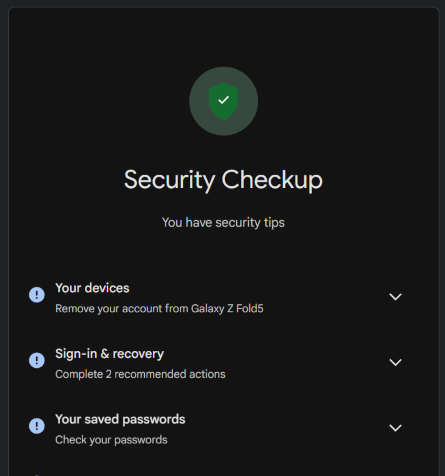
Image: Scott Houghton | WhistleOut
Turn on 2-Step Verification, but skip the text codes
2-Step Verification adds a second lock to your account, so a stolen password alone isn't enough to get in. It's the first thing the checkup will nag you about if you haven't set it up, and it's the one nag worth obeying immediately.
When you set it up, skip the text-message codes if you can. SMS codes can be intercepted through SIM swapping, where a scammer convinces your carrier to move your number to their SIM. An authenticator app like Google Authenticator or a simple phone prompt is stronger.
Add a passkey
A passkey replaces your password with your fingerprint, face, or screen lock. There's nothing to type, which means there's nothing for a hacker to phish, and Google now treats passkeys as the recommended everyday way to sign in.
One thing worth knowing: A passkey doesn't replace 2-Step Verification. Google's own guidance says to keep both on because attackers have shifted to targeting account recovery flows rather than passwords.
Google also added Recovery Contacts, which lets you pick up to 10 trusted people, such as a spouse or sibling, who can vouch for you if you're ever locked out. They never get access to your account or anything in it. They just confirm you're you, so I recommend you set at least one.
Prune your devices and third-party access
The Your devices section lists every phone, tablet, and computer signed into your account, and it's where the skeletons live. If you see a device you don't use or don't recognize, sign it out with a tap.
Then do the same for the third-party access list. That's every app and website you ever signed in to with your Google account and then forgot about. Each one is a door into your data, and most of them are for services you stopped using years ago. Remove anything you can't name off the top of your head.
Finish with the saved passwords section. Google's Password Checkup flags anything weak, reused, or caught in a known breach, and it'll walk you through changing them.
Finding a new phone
Checking your Google Account security is step one. But if your phone is too old to get security updates, it won't get you far. These newer models will continue to receive security updates. Here are some of our favorite Android phones right now:
Galaxy A26 5G
- 6.7 inch display
- Rear Cameras: 50MP, 8MP, 2MP
- Front Camera: 13MP
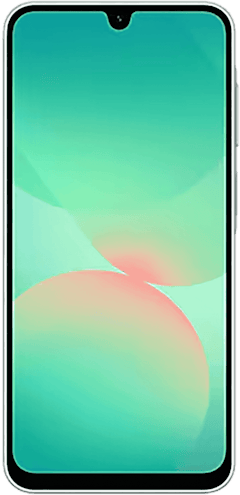
Galaxy A27 5G 128GB
- 6.7 inch display
- Rear Cameras: 50MP, 5MP, 2MP
- Front Camera: 12MP
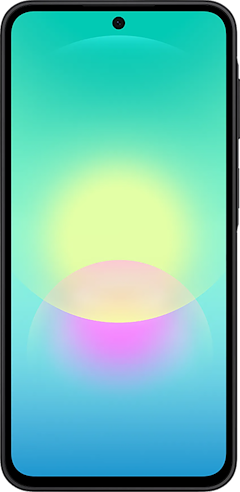
Galaxy A37 5G 128GB
- 6.7 inch display
- Rear Cameras: 50MP, 8MP, 5MP
- Front Camera: 12MP
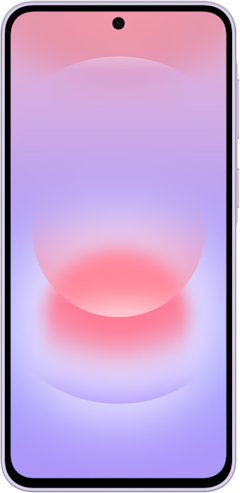
Galaxy A57 5G 128GB
- 6.7 inch display
- Rear Cameras: 50MP, 12MP, 5MP
- Front Camera: 12MP
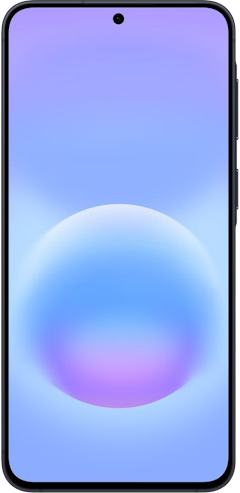
Pixel 10a 128GB
- 6.3 inch display
- Rear Cameras: 48MP, 13MP
- Front Camera: 13MP
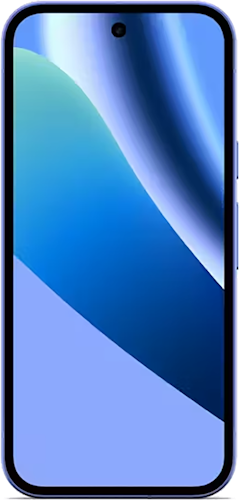
Pixel 10 128GB
- 6.3 inch display
- Rear Cameras: 48MP, 10.8MP, 13MP
- Front Camera: 10.5MP
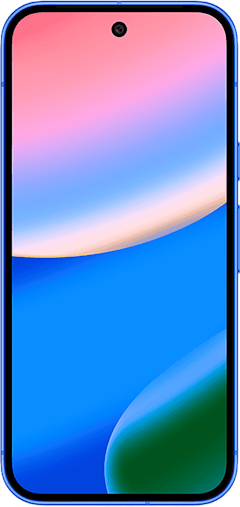
Pixel 11 256GB
- 6.3 inch display
- Rear Cameras: 48MP, 13MP, 10.8MP
- Front Camera: 10.5MP
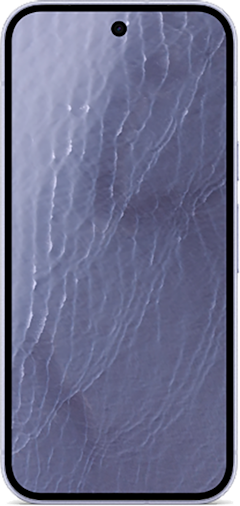
Galaxy S26 5G 256GB
- 6.3 inch display
- Rear Cameras: 50MP, 10MP, 12MP
- Front Camera: 12MP
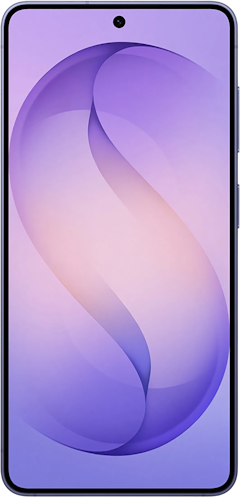
Pixel 11 512GB
- 6.3 inch display
- Rear Cameras: 48MP, 13MP, 10.8MP
- Front Camera: 10.5MP
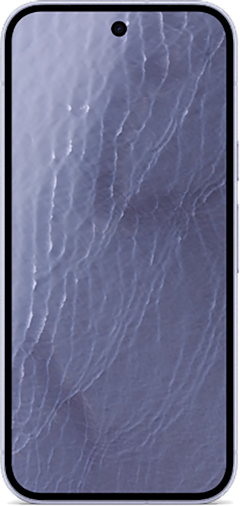
Pixel 11 Pro 256GB
- 6.3 inch display
- Rear Cameras: 50MP, 48MP, 48MP
- Front Camera: 42MP

These phones go on sale often, so be sure to check our Google Pixel and Samsung deals pages, which we update weekly.
Google Security Checkup: FAQ
How often should I run the Google Security Checkup?
Running a Google Security Checkup every few months is plenty for most people. The checkup takes about two minutes and catches new issues, like a forgotten device login or a risky third-party app. If you ever suspect someone accessed your account, run it immediately and sign out of every device you don't recognize.
Do I still need 2-Step Verification if I use a passkey?
Google recommends keeping 2-Step Verification on even after you create a passkey because it protects the account recovery process, which is where attackers are now focusing. A passkey secures your everyday sign-in, and 2SV backs up everything else.
Is a passkey safer than a password?
A passkey is safer than a password because it can't be phished, guessed, reused, or leaked in a data breach. It only exists on your device and unlocks with your fingerprint, face, or PIN, and that biometric data never leaves your phone or gets shared with Google.
Scott Houghton
Jr. Staff Writer

Thousands of cell phone plans unpacked. All the facts. No surprises.





.png?w=280&h=280&usm=20&usmrad=0.8&fit=crop "The Best Cheap Phone Plans for 2026: We Tested Them All to Help You Save")


