
Split-screen multitasking on Samsung Galaxy phones has a problem that doesn't get talked about enough: Some apps pause when they're not the active window. You switch focus to type something, and the video you had playing in the other panel stops. Or the app you needed to reference reloads because it suspended while you were looking at something else.
This is a deliberate Samsung default behavior, and the good news is that MultiStar removes it.
It's a module in Samsung's Good Lock suite that everyone should know about. And while the no-pause fix is the headline feature for standard Galaxy phones, the Z Fold and Samsung DeX enhancements give even more controls to power users and anyone with a foldable device.
What is MultiStar?
MultiStar is a free Good Lock module that upgrades Samsung's built-in Multi Window multitasking system:
- Allowing apps to run continuously in split-screen without pausing
- Enabling more flexible window resizing
- Removing the blur on inactive apps
- Adding foldable-specific and DeX-specific features for users
The split-screen problems MultiStar solves
The no-pause behavior is the most impactful change for everyday multitasking. With MultiStar active, apps in split-screen run continuously regardless of which panel has focus. A video plays while you type in the other window. A live updating feed continues updating. A navigation app keeps tracking while you reference another app next to it.
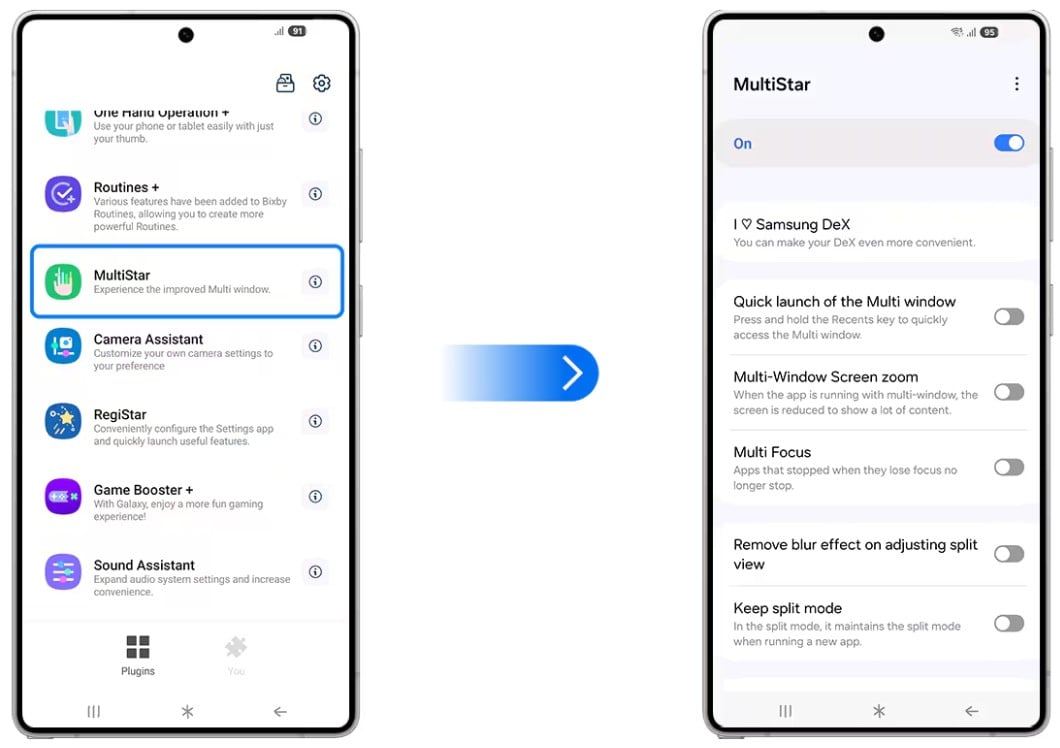
Image: Samsung
Window resizing is more flexible with MultiStar than Samsung's default 50/50 or preset ratio system. You can push a split-screen window to a size that actually reflects the content—a narrow reference panel alongside a wide working area, for instance, rather than being forced to give equal space to both apps.
MultiStar also removes the blur effect Samsung applies to the inactive app in split-screen mode on One UI 4 and later. It's a minor visual change but a meaningful usability one: You can actually read the inactive panel without bringing it into focus, which is the point of having two apps open simultaneously.
Z Fold enhancements worth knowing about
Galaxy Z Fold owners get a specific set of MultiStar features that target the foldable's unique form factor. The most notable: the ability to launch specific apps on the cover screen—the smaller external display you use when the phone is folded. Samsung restricts which apps are allowed to run on the cover screen by default, and MultiStar expands that list.
Thinking of buying a foldable phone?
MultiStar makes a strong case for going foldable. But foldables come with quirks worth knowing before you buy. Our foldable phone guide covers everything you need to know.
If you're already sold, here are the most popular foldable phones right now:
Pixel 11 Pro Fold 5G 256GB
- 8 inch display
- Rear Cameras: 48MP, 10.5MP, 10.8MP
- Front Cameras: 10MP, 10MP
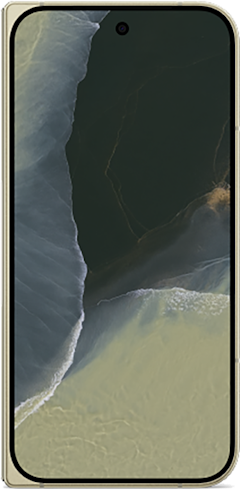
Galaxy Z Fold8 5G 256GB
- 7.6 inch display
- Rear Cameras: 50MP, 50MP
- Front Cameras: 10MP, 10MP
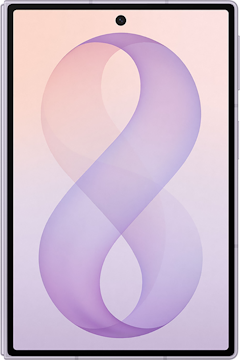
Galaxy Z Fold7 5G 256GB
- 8 inch display
- Rear Cameras: 200MP, 10MP, 12MP
- Front Camera: 10MP
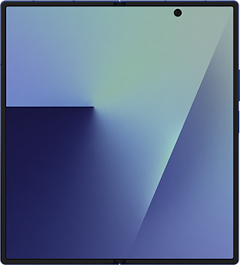
Pixel 11 Pro Fold 5G 512GB
- 8 inch display
- Rear Cameras: 48MP, 10.5MP, 10.8MP
- Front Cameras: 10MP, 10MP
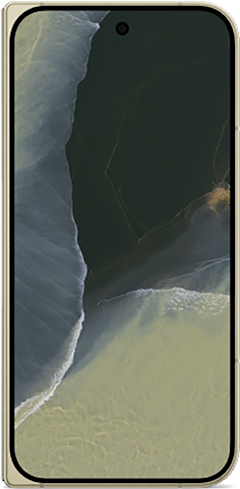
Galaxy Z Fold8 5G 512GB
- 7.6 inch display
- Rear Cameras: 50MP, 50MP
- Front Cameras: 10MP, 10MP
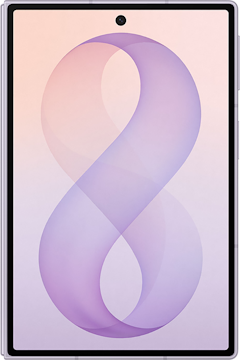

MultiStar also adds a black mask option that covers the under-display camera (UDC) hole on the inner screen when you're not using it—cleaner-looking for content consumption when the camera punch-through would otherwise be visible. And app behavior settings control how apps scale when the phone is folded, which addresses the awkward transitions some apps make between the two screen sizes.
Samsung DeX improvements for desktop mode users
For users who use Samsung DeX—the feature that turns your Galaxy phone into a computer—MultiStar adds three meaningful upgrades.
Higher-resolution output regardless of the connected display. More simultaneous apps running in DeX mode. And automatic re-launch of recently used apps when you enter or exit DeX, so you don't have to manually reopen everything every time you connect or disconnect from a monitor.
For more information on Samsung Dex, check out our guide to the best hidden features on Android phones.
How to get MultiStar
- Cost: Free
- Available on: Samsung Galaxy devices via the Galaxy Store and Google Play
- Requires: Good Lock main app installed first
- Z Fold features: Galaxy Z Fold series only
- DeX features: DeX-compatible Galaxy devices only
MultiStar only works on Galaxy phones. Here are the best phones to run it on.
MultiStar only works on Samsung Galaxy devices, so if you're not already in the ecosystem, here are the most popular Galaxy phones worth considering:
Moto G 5G (2026) 128GB
- 6.7 inch display
- Rear Cameras: 50MP, 2MP
- Front Camera: 32MP

Galaxy A26 5G
- 6.7 inch display
- Rear Cameras: 50MP, 8MP, 2MP
- Front Camera: 13MP

Galaxy A27 5G 128GB
- 6.7 inch display
- Rear Cameras: 50MP, 5MP, 2MP
- Front Camera: 12MP

Galaxy A37 5G 128GB
- 6.7 inch display
- Rear Cameras: 50MP, 8MP, 5MP
- Front Camera: 12MP

Edge (2026) 128GB
- 6.3 inch display
- Rear Cameras: 50MP, 50MP, 10MP
- Front Camera: 50MP
MultiStar: FAQ
Does MultiStar affect battery life by keeping apps running in split-screen?
The battery impact of keeping two apps running simultaneously is minimal on modern Galaxy hardware—and far less of a drain than the frustration of having apps restart every time you switch focus.
Can MultiStar make any app run on the Z Fold cover screen?
Yes, but with limits. MultiStar significantly expands which apps can run on the cover screen, though some apps with fixed portrait-only layouts or specific aspect ratio requirements may still display poorly regardless of your settings.
Does MultiStar work with pop-up view windows as well as split-screen?
MultiStar also prevents pop-up view windows (the floating mini-windows in One UI) from automatically minimizing when an app's internal activity changes, which is a separate-but-related multitasking annoyance.
Is MultiStar useful on standard Galaxy phones without a Z Fold or DeX?
The split-screen improvements—no-pause, better resizing, and no blur on inactive apps—apply to all Galaxy devices and are genuinely useful for anyone who uses Multi Window regularly.
Does MultiStar require any special permissions?
MultiStar uses the standard accessibility and display-over-other-apps permissions that Good Lock modules typically require—no root access or special developer mode needed.
Scott Houghton
Jr. Staff Writer

Thousands of cell phone plans unpacked. All the facts. No surprises.
Related Articles


Related Topics
AndroidPopular Topics
Featured App Reviews iOS News Coverage Device Reviews Device Explainers Carrier Explainers App Roundups T-Mobile


Free iPhone 18 Pro, up to $1,200 off, with a trade-in in any condition or a line switch on Experience Beyond


.png?w=280&h=280&usm=20&usmrad=0.8&fit=crop "Best Cell Phone Deals for October 2026: Get the New iPhone 18 Pro for Free")




