
Find Hub is Google's tool for locating, locking, or erasing a lost Android phone, and the basics automatically switch on the moment you add a Google account. It's the feature formerly called Find My Device, renamed in 2025 but still working the same way, with a few genuinely new tricks added since then.
The catch with recovery tools is that the best ones only help if you enabled them before the phone went missing. Theft protection settings are the classic "I'll do it later" chore, and I say that as someone who waited months to finish setting up my own Z Fold5. So, do these steps now, while the phone is still in your hand.
Get the full security checklist
This guide covers one of the five settings from our complete Android Privacy and Security Guide. The full checklist takes about an afternoon and handles the rest of your phone's weak spots, including: your Google account, app permissions, hidden apps, public Wi-Fi habits, and lost-phone protection. None of it requires downloading a thing, and most fixes take a minute or two each.
The theft protection options you need to set up
To find your phone's theft protection options, open Settings > Google > All services > Theft protection.
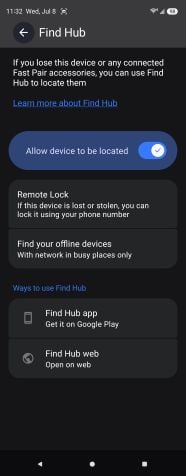
Image: Scott Houghton | WhistleOut
Here's which settings you should turn on:
- Theft Detection Lock uses the phone's motion sensors and on-device AI to detect a classic grab-and-run and automatically lock the screen before the thief clears the block.
- Offline Device Lock locks the phone if a thief yanks it offline to dodge tracking, which is the first thing an experienced thief does.
- Remote Lock lets you lock the screen from any browser at android.com/lock using just your phone number. Google recently added an optional security question here so that only you can trigger it—set one for added safety.
- Identity Check is the newest and most underrated of the bunch. It requires your fingerprint or face, not just your PIN, for sensitive actions when you're away from trusted places like home. In January 2026, Google expanded it to cover banking apps and anything using Android's biometric prompt. That means a thief who watched you type your PIN at a coffee shop still can't open your bank app, change your PIN, or turn off Find Hub.
What to do the moment you lose your phone
If your phone goes missing, open the Find Hub app on another device or go to android.com/find in any browser and sign in. You'll get three options:
- Play Sound rings it at full volume for five minutes, perfect for the "it's somewhere in this house" panic.
- Secure device locks it, signs you out of your Google account, pulls your cards from Google Wallet, and can show a message with your emergency phone number on the screen so whoever finds it can find you.
- Factory reset wipes it as a last resort, though once you do that, you can't track it anymore.
Find Hub can locate a phone even when it's offline, using a giant crowdsourced network of nearby Android devices over Bluetooth, all end-to-end encrypted so nobody, including Google, sees your phone's location except you. That same network now powers Bluetooth trackers, luggage tags, and even satellite-based location sharing when you're off the grid.
Do this before you lose your phone
Both take two minutes while it's still in your hand.
- Back up your phone. This ensures a remote factory reset protects your data rather than destroying your only copy.
- Save your IMEI number. Dial *#06#, write the number down, and keep it somewhere that isn't the phone. It's the first thing the police and your carrier will ask for if someone steals your phone.
When to upgrade your phone
If you're still using a phone that is so old that would-be thieves wouldn't even consider stealing it, it might be time for a new phone. Here are some of our favorite Android phones right now:
Galaxy A26 5G
- 6.7 inch display
- Rear Cameras: 50MP, 8MP, 2MP
- Front Camera: 13MP
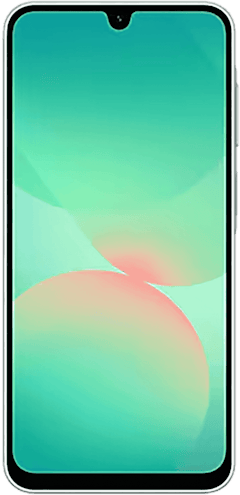
Galaxy A27 5G 128GB
- 6.7 inch display
- Rear Cameras: 50MP, 5MP, 2MP
- Front Camera: 12MP
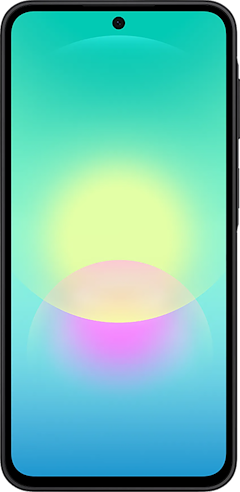
Galaxy A37 5G 128GB
- 6.7 inch display
- Rear Cameras: 50MP, 8MP, 5MP
- Front Camera: 12MP
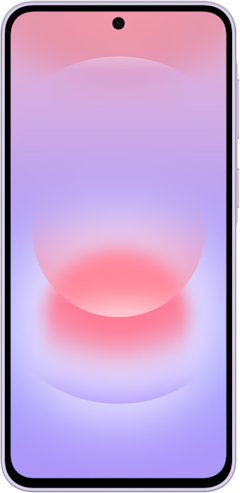
Galaxy A57 5G 128GB
- 6.7 inch display
- Rear Cameras: 50MP, 12MP, 5MP
- Front Camera: 12MP
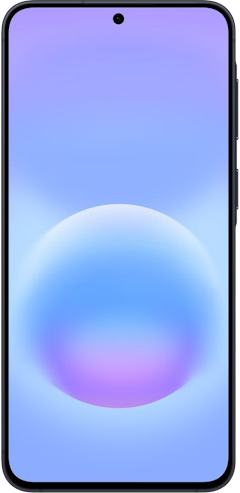
Pixel 10a 128GB
- 6.3 inch display
- Rear Cameras: 48MP, 13MP
- Front Camera: 13MP
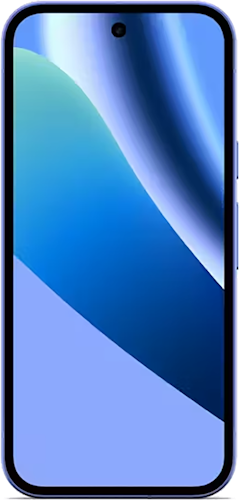
Pixel 10 128GB
- 6.3 inch display
- Rear Cameras: 48MP, 10.8MP, 13MP
- Front Camera: 10.5MP
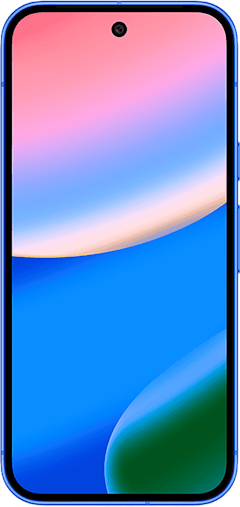
Pixel 11 256GB
- 6.3 inch display
- Rear Cameras: 48MP, 13MP, 10.8MP
- Front Camera: 10.5MP
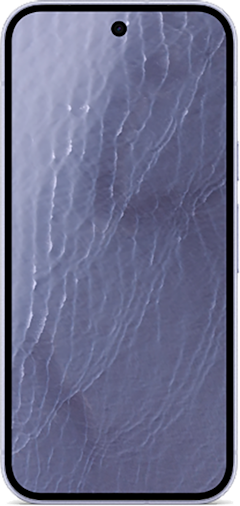
Galaxy S26 5G 256GB
- 6.3 inch display
- Rear Cameras: 50MP, 10MP, 12MP
- Front Camera: 12MP
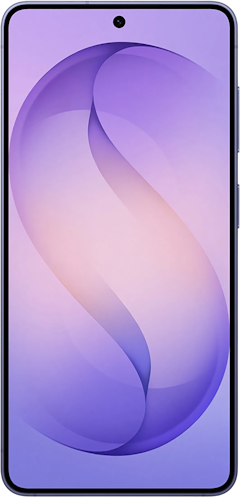
Pixel 11 512GB
- 6.3 inch display
- Rear Cameras: 48MP, 13MP, 10.8MP
- Front Camera: 10.5MP
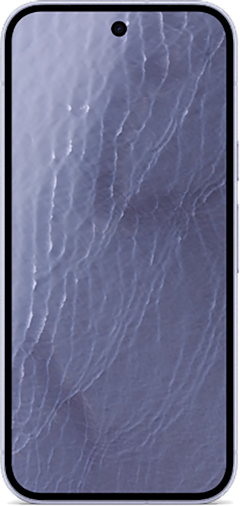
Pixel 11 Pro 256GB
- 6.3 inch display
- Rear Cameras: 50MP, 48MP, 48MP
- Front Camera: 42MP

These phones go on sale often, so check out our Google Pixel and Samsung deals pages so you don't miss out.
Find Hub and Android theft protection: FAQ
Can Find Hub locate a phone that's turned off or offline?
Find Hub can locate an offline phone through its crowdsourced network, which uses Bluetooth signals from nearby Android devices to report your phone's location, all end-to-end encrypted. Newer Pixel phones can even be found for a few hours after they power down, though older devices go dark once the battery dies.
What is Identity Check on Android?
Identity Check is a theft protection feature that requires biometric verification, not just your PIN, for sensitive actions when your phone is away from trusted places you choose, like home or work. As of early 2026, it also protects banking apps and password managers, so a stolen PIN alone can't drain your accounts.
Should I factory reset a stolen phone?
Only factory reset a stolen phone as a last resort, because you lose the ability to track it afterward. Use Secure device first to lock it and protect your accounts. Factory reset protection still ties the phone to your Google account after a wipe, which makes it nearly worthless to resell.
Scott Houghton
Jr. Staff Writer

Thousands of cell phone plans unpacked. All the facts. No surprises.





.png?w=280&h=280&usm=20&usmrad=0.8&fit=crop "The Best Cheap Phone Plans for 2026: We Tested Them All to Help You Save")


