
Here's what to do if you drop your phone in water or get it wet:
- Turn your phone off, if it isn't already.
- Dry it as much as possible with a towel.
- Remove the battery (if possible).
- Bury your wet phone in a container of rice and place it in the sunlight for 12–24 hours.
- If it still doesn't function properly, consult a professional for repairs or sell your device.
Our phones hold our memories, music, movies, and more, which is why we take great care to keep them damage-free. But accidents happen, and when water is involved, even a few drops can seriously damage your phone. If you’ve dropped your phone in water—what do you do?
Luckily, we're here to help you figure out how to fix a phone that got water in it. On this page, we'll walk you through the steps to take after you’ve dropped your phone in water, including some proven ways to dry out your wet phone, and what to do if it's simply beyond saving.
Dropped phone in water? What to do first
1. Don't panic
It's easy to spiral into despair when we think we've destroyed our phone by dropping it in water. But many newer smartphones are water resistant—or even waterproof—alleviating many concerns about accidental spills, or even drops in the toilet (eek!). The iPhone 11 Pro, for example, can withstand up to 30 minutes underwater with minimal damage at depths of up to four meters.
But even the hardiest of mobile hardware can sustain serious damage if left underwater too long. As soon as you realize your phone has taken a dip, fish it out, take a deep breath, then follow the steps below.
2. Power your phone down
The most crucial thing to do to fix a phone that got water in it is to dry it off as quickly as possible and don’t turn it on under any circumstances. If it’s still on, turn it off immediately and leave it off. If you can open up your device and remove the battery, do this and dry the inside, too.
Running an electrical charge through any wet electrical circuit is bound to cause problems, thanks to water’s famous conductivity sending charges between points on the circuit that can’t handle it. The good news, though: Just because an electrical device gets wet doesn’t mean you've immediately destroyed your phone. If you’re lucky, it could have been shut off before any major water or liquid damage affects your mobile phone. Wetting an "off" circuit is nowhere near as bad as wetting an active one.
If you manage to dry out your phone before switching it back on, then you may find that there is no damage at all or, more likely, that it still works but has gained a few annoying quirks.
3. Clean your wet phone
There are a number of ways you could have gotten a wet cell phone, but one of the most common—and most unsanitary—is dropping your phone into your toilet. To be fair, it's easy to knock it off your bathroom counter, or even forget that it's in your pocket. But once the worst has happened, your next priority should be to clean your phone.
If your phone fell in a toilet, disinfect it thoroughly (after making sure it's powered off). Disinfecting wipes (like Lysol or Clorox wipes) should do the trick, or you can use an alcohol-based cleaner applied to a microfiber cloth.
Under no circumstances should you use pure alcohol or spray your phone directly with a household cleaning agent. This could cause additional damage to your device.
How to get water out of your phone
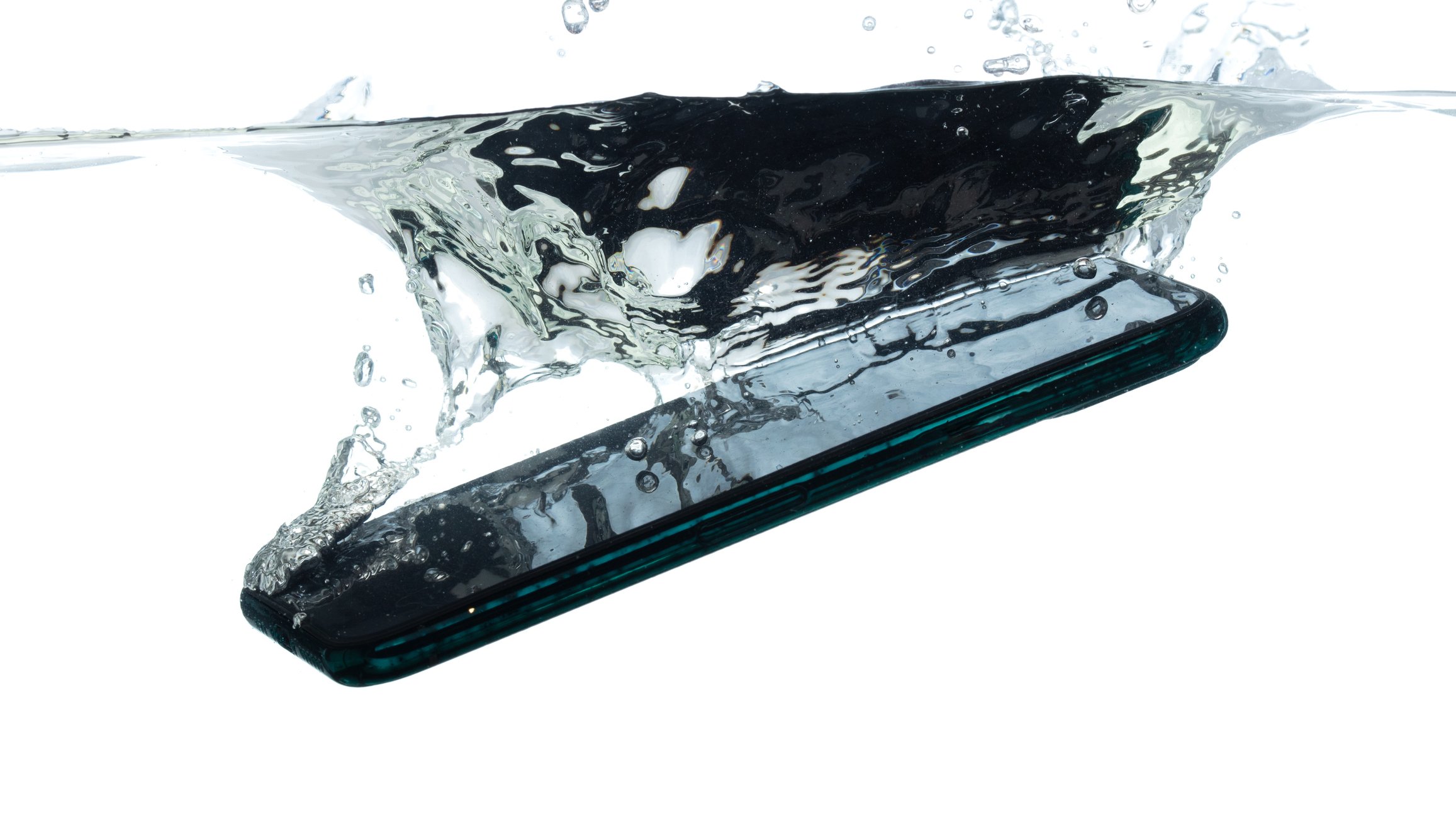
Drying out a phone is pretty easy, but it does take a bit of time, depending on the method you use. Regardless, you want to make sure the inside of your phone is totally dry before you try to turn it back on again. Here are a few methods to fix a phone that got water in it.
1. Use a cell phone water damage kit
After you’re done toweling your phone off, removing the battery, and disinfecting the surface, the best option is to use an emergency kit made specifically for wet phones. These kits use synthetic desiccants to absorb moisture from your cell phone, just like the little packets you find in snack bags or electronics boxes. You simply pop your phone into the bag, seal it up, and wait—usually around 24 hours.
This is the best way to fix a phone dropped in water without rice (more on that option in a minute), which can get into the crevices and power ports of your device once it's soggy from absorbing the water from your phone. It's a good idea to have one of these emergency wet phone kits on hand for a rainy (get it?) day.
2. Dry your wet phone in rice
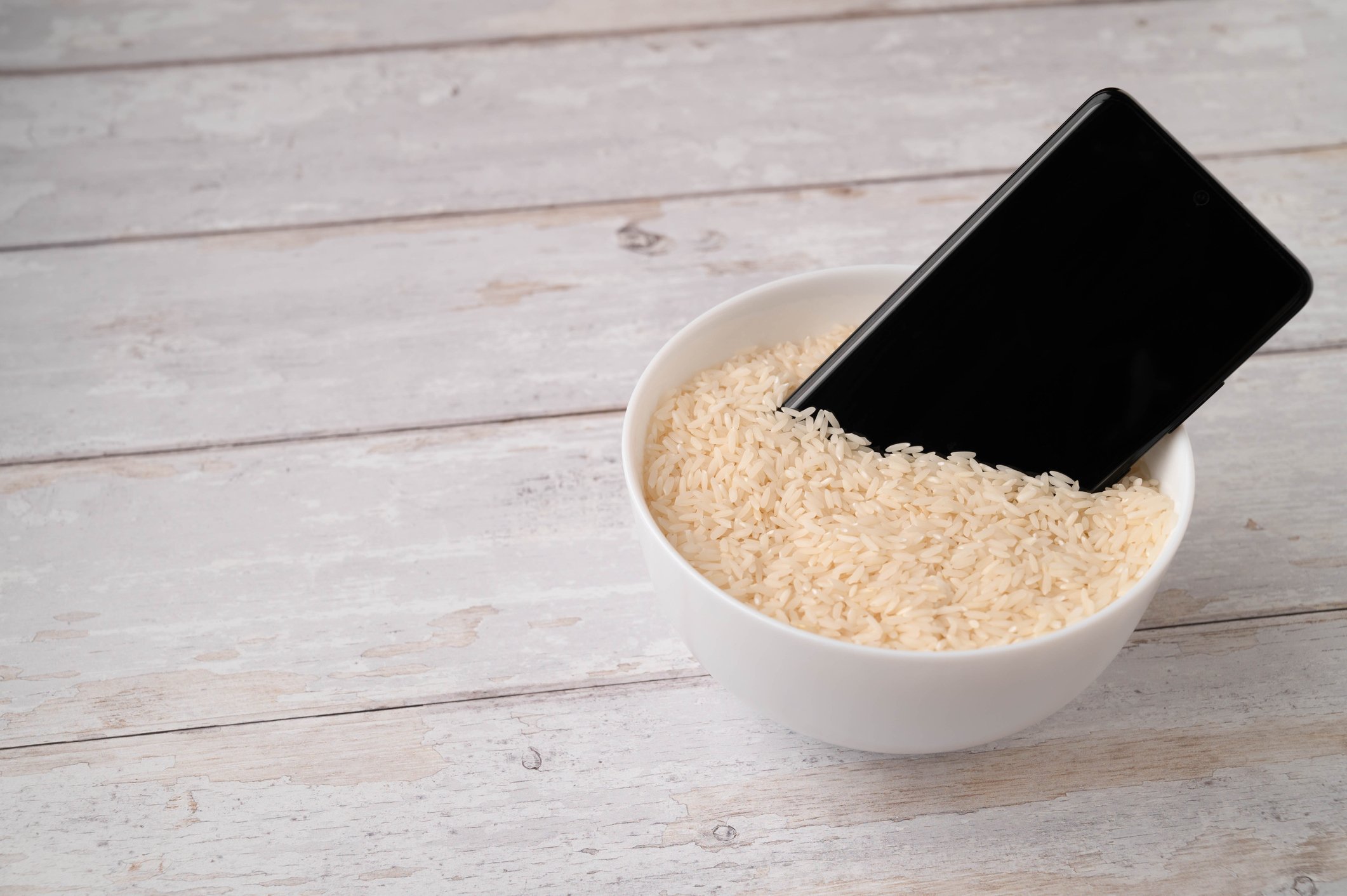
If you don't have a wet phone fix-it kit, the next best solution to prevent smartphone water damage—rice. This has been a tried-and-true method for years, but how exactly do you dry out a wet phone in rice?
Find a container with a lid and fill it with dry rice. Bury your phone and battery (if separated) completely. Make sure it’s totally covered on every side, then place it in a well-lit area—on a sunny windowsill, underneath a warm and bright lamp, or any other place that will encourage the evaporation process. The dry rice will absorb the moisture out of the impossible-to-reach places of your phone and the sun’s heat will speed up the process.
How long to keep a wet phone in rice varies by how soaked it got, how bright or warm its drying environment is, and even the freshness of the rice. Minimally, you want to dry your phone in rice for at least 24 hours, but expect this method to take longer. Even in the summer, a wet phone in rice usually takes at least two or three days to fully dry.
3. Air out your wet phone
If you don't have uncooked rice on hand, either, the last way to fix your cell phone when it gets wet is to get it some airflow to prevent standing water from leaking further into its interior, leading to a completely destroyed phone. Place it on an absorbent cloth underneath a fan or next to a breezy window, and make sure it's leaning at an angle so that water can leak out. Note that this is the slowest way to dry out a wet phone—it could take days to remove all of the moisture by air drying.
iPhone powered on but still not working?
If you got your iPhone to turn on but it's still unresponsive, don't lose hope yet. Follow the steps on our frozen iPhone guide to see if you can kickstart your device into new life!
Repairing a water-damaged phone
While the above methods can help you get your wet phone back up and running, they don't guarantee that it will be restored to full functionality. You may still need to have it professionally fixed after it's gotten water in it, though these repairs may be much less because of your quick actions in drying out your wet phone.
Unfortunately, smartphone warranties don’t cover water or liquid damage, so you're up for the cost of repairs. Don’t think you’ll get away with just saying that it mysteriously died, either. Phones have built-in detectors that turn red if they’ve been subjected to any kind of liquid. If you’ve dropped your phone in a puddle or sink then you’ve no chance of sneaking it by on warranty.
However, if you've signed up for device protection through Asurion or another insurance provider, there's a good chance you'll be able to get your phone repaired. Most of these policies cover accidental water damage.
How to get water out of your phone speaker
If you follow all of the advice recommended above, your phone should be dry enough to start functioning like it did before it fell in water. If the phone's audio sounds warped, however, you might still have a problem. Here's how you can get water out of your phone's speaker.
- Use a vacuum cleaner, on its lowest speed, to suck out any remaining water from the speaker. Do not use a hair dryer as the heat could permanently damage your phone.
- Try an app. Apps like Water Eject and FixMySpeakers allow you to play low-tone frequencies, which can help expel any lingering water from your speaker.
- Return to the rice! Dip your phone in a bowl of rice, with the speaker fully submerged in the bowl.
- If all else fails, call your manufacturer. There might be a bigger issue at play. Checking in with your phone's manufacturer will tell you whether this is something other than moisture.
If you can't fix your wet phone, sell it
If your water-damaged phone costs too much to repair, or if it’s beyond hope, then you can sell it off to any one of dozens of online businesses that accept old, broken phones. Most of these companies don’t care if the phone is working or not; as long as you're not sending a completely destroyed phone in pieces, all they care about are the precious minerals used to build the phone itself. Believe it or not, smartphones are a very rich source of gold, palladium, and other rare metals. There’s not enough in there to be worth your while, but you can sell it to someone for whom it is.
Just do a web search for “sell my phone”, you can even use the manufacturer and phone name to get a more specific result. Make sure you shop around and don’t just go with the first website you find, there can be a big difference in how much you get for a broken device.
Find a new cell phone
Is your phone beyond repair? It's time to get a new device. WhistleOut's Phone Finder makes it easy to sort through dozens of devices and pair them up with a variety of plan options. This includes water-resistant devices like the iPhone 15, Samsung Galaxy S23 5G series, and Google Pixel 8 and more.
Moto G 5G (2026) 128GB
- 6.7 inch display
- Rear Cameras: 50MP, 2MP
- Front Camera: 32MP

Galaxy A26 5G
- 6.7 inch display
- Rear Cameras: 50MP, 8MP, 2MP
- Front Camera: 13MP

Galaxy A27 5G 128GB
- 6.7 inch display
- Rear Cameras: 50MP, 5MP, 2MP
- Front Camera: 12MP

Galaxy A37 5G 128GB
- 6.7 inch display
- Rear Cameras: 50MP, 8MP, 5MP
- Front Camera: 12MP

Edge (2026) 128GB
- 6.3 inch display
- Rear Cameras: 50MP, 50MP, 10MP
- Front Camera: 50MP


Chris Holmes
Staff Writer

Thousands of cell phone plans unpacked. All the facts. No surprises.





.png?w=280&h=280&usm=20&usmrad=0.8&fit=crop "The Best Cheap Phone Plans for 2026: We Tested Them All to Help You Save")


