

With over a billion iPhones out there, Apple's handsets hold a massive 65% of the U.S. mobile market, as reported by Statista. And we expect iOS to continue to thrive.
Long-time Apple aficionados and iOS newcomers alike want to make the most out of their phones. Let's get to the Apple core (pun fully intended) in this complete guide to iPhone and iOS devices, accessories, troubleshooting tips, and more.
Picking an iPhone
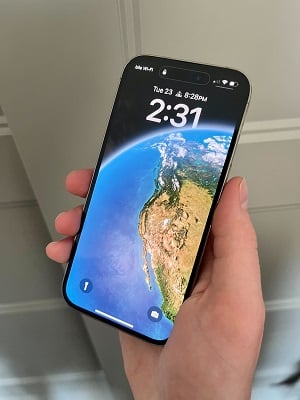
Image: Daphne Kelly | WhistleOut.com
Unlike Android phones, only Apple makes iPhones. Therefore, you've got fewer choices. But picking the right mobile device for your needs and budget is still crucial. Let's explore iOS handsets, from what to look for to the top choices on the market.
What to look for in an iPhone
There's much to think about when picking an iPhone, including cost and camera quality. Here's everything to consider when shopping for iOS devices:
- Cost: A new iPhone sets you back anywhere from $429 to over $1,000. Choose a budget and find an Apple mobile device within your price range.
- Camera quality: A good camera is a must-have, since you likely use your phone for photography. Look for megapixels (higher is better) and multiple cameras, like a telephoto lens.
- Battery life: You don't want your precious phone to die while you're out and about, so seek out an Apple device with robust battery life. Generally, the more milliamp hours (mAh), the better.
- Storage capacity: Because iPhones lack expandable storage via microSD cards, you need enough built-in storage space for your pictures, apps, games, and videos. Peruse our handy guide to determine your required mobile device storage space.
- Screen: When comparing iPhone screens, think about size, resolution, brightness, and refresh rate. A fast refresh rate is great for gaming but even makes scrolling and tapping more comfortable. Higher is better for visibility and resolution, while screen size is a preference. Some folks love large displays, while others want a more pocket-friendly device.
- Processor: A fast processor lets you run demanding iPhone apps and games. Luckily, Apple graces its phones with cutting-edge processors, although its high-end offerings provide slightly improved performance.
- RAM: System memory is crucial for multitasking, so if you run many simultaneous applications, get as much RAM as possible.
- 5G support: All of Apple's recent iPhones are 5G-compatible, but some feature more advanced connectivity. As our mobile data guide explains, not all 5G is the same, so consider whether you want (or need) the fastest-possible 5G signals.
- Water resistance: You want at least an IP67 dust and water resistance rating with most modern iPhones. Most folks are fine with an IP67 specification, but outdoor adventurers may prefer an iOS device with IP68 water resistance.
Best iPhones
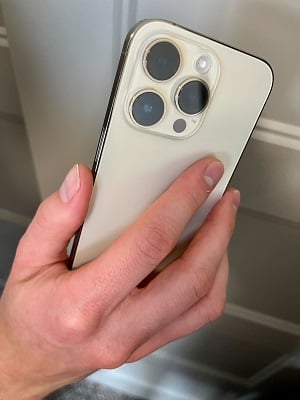
Image: Daphne Kelly | WhistleOut.com
Since only Apple makes iPhones, your choices are pretty straightforward. These are the best iPhones on the market:
- Best iPhone overall: The iPhone 14 Pro Max boasts a best-in-class camera, a blisteringly fast A15 Bionic processor, and the biggest screen available on an Apple handset. It provides all of the power of the iPhone 15 at a cheaper price.
- Best iPhone for most folks: The iPhone 14 falls short to the iPhone 14 Pro Max in nearly every way but price. In our iPhone 14 review, we liked its advanced safety features, outstanding camera, and beefy processor. However, Apple's base model works swimmingly for most people since the 14 Pro Max is only marginally better than the vanilla 14.
- Best budget iPhone: iPhone SE (2022) puts an iOS device in your hands without breaking the bank. It’s a palm-friendly handset with a small screen, great camera, and reliable processor. But notably, the iPhone SE (2022) lacks 5G millimeter wave (mmWave) support for the fastest-possible mobile data speeds, but chances are you won't notice the difference.
Generally, we recommend any of the latest iPhone models, including the 14 Plus and 14 Pro. The 14 Plus is essentially an iPhone 14 with a bigger screen, while the 14 Pro is effectively the Pro Max with a smaller display. For older iPhones, the iPhone 13 series (13 mini, 13, 13 Pro, and 13 Pro Max) is still solid if you can find a good deal.
Getting started with your iPhone
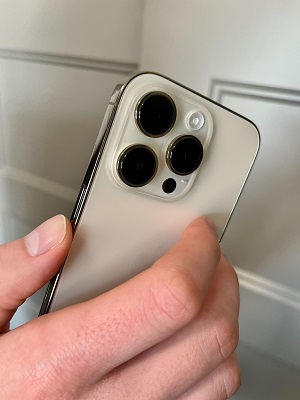
Image: Daphne Kelly | WhistleOut.com
iPhone users want to make the most of their smartphones. From the essentials to accessories and photo tips, here's everything you need to bite into your Apple iPhone.
iPhone basics
Getting a case is one of the first things we recommend doing when you unbox your iPhone. An iPhone case protects while adding stylish flair. Likewise, a screen protector keeps your display free of scratches and scrapes. We also suggest changing your iPhone background to a photo you've taken or a neat downloadable wallpaper. While you're at it, you might as well customize your Contact Poster.
Check out these other iPhone tips and tricks:

Accessorize your iPhone
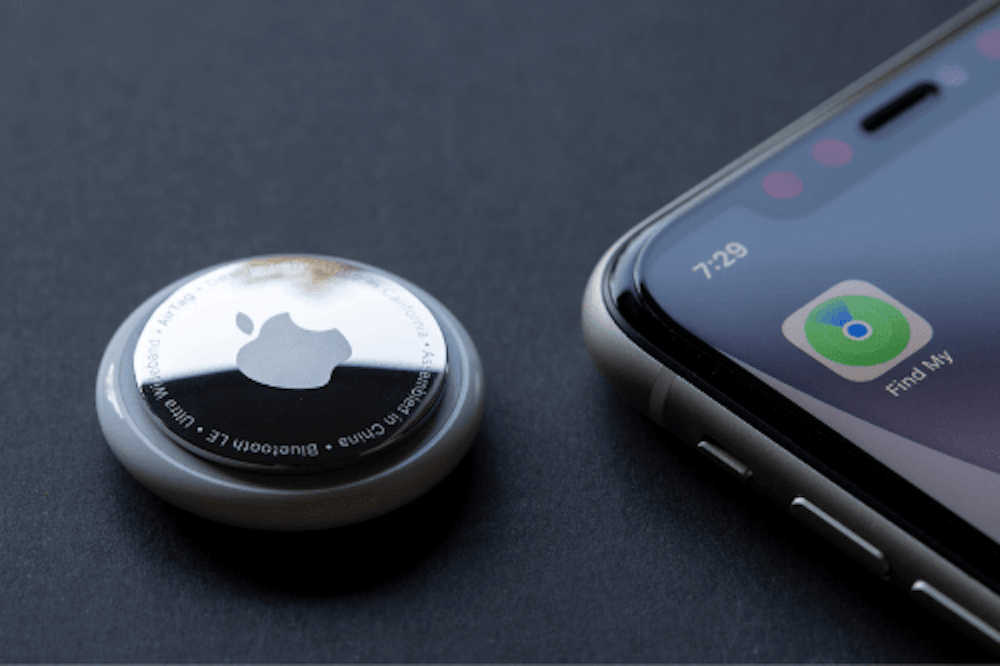
In addition to its iPhones, iPads, and macOS computers, Apple makes some of the top accessories. For instance, its AirPods earbuds work well with iPhones and even Android phones.
Learn about using your iPhone with Apple accessories like earbuds and smart devices:


Apps, messaging, and more
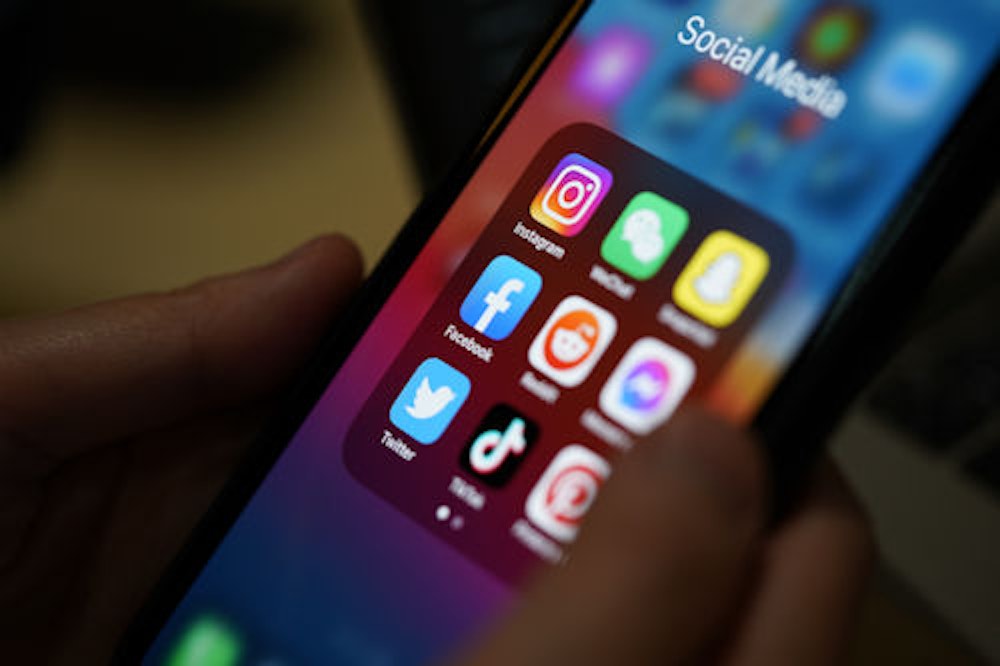
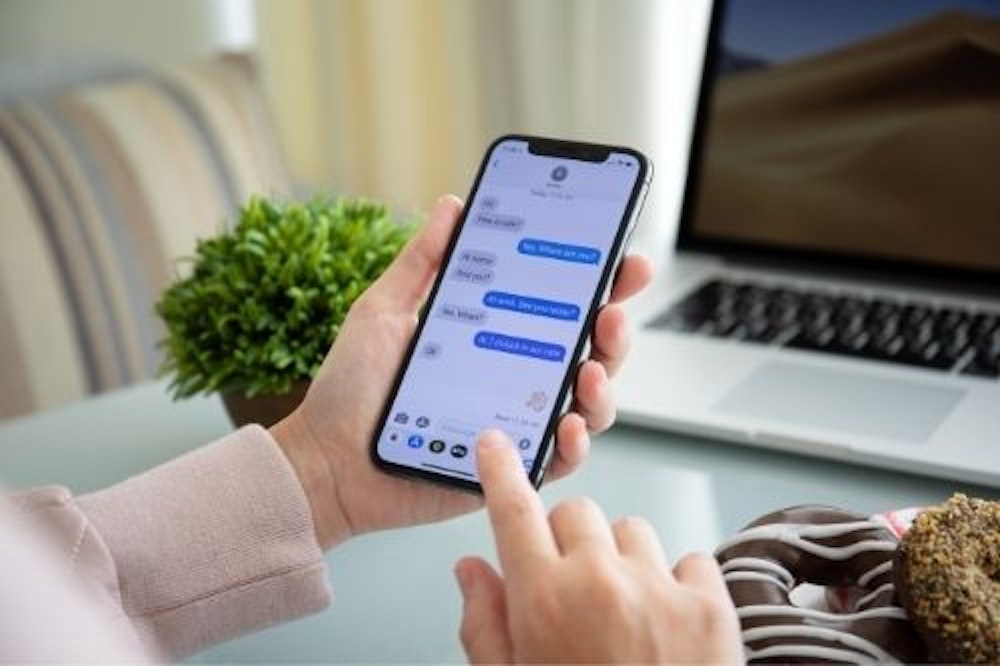
Apple uses its own proprietary communication platform, iMessage. While it lets you send text messages, iMessage differs from SMS. Similarly, Apple offers apps like FaceTime for video chatting with friends.
Here's how to improve your iPhone messaging skills:



Photos and videos
Your iPhone sports one of the best cameras on the planet. While it's superb for snapping photographs and capturing videos, you can also scan documents with your iOS device.
Take your photo and video game to the next level with these guides:


Switching from Android to iOS
If you're coming or returning to the Apple ecosystem, you need to switch from Android. Luckily, that process is pretty simple with the Move to iOS app, which lets you easily migrate your mobile applications, contacts, pictures, and other phone data. Although most programs are available in both the Google Play and Apple App stores, you may need to switch a few apps if that's not the case.
Check out these other rad resources for switching devices:



.jpg?w=1000 "How To Transfer Data From One iPhone to Another iPhone")
iPhone troubleshooting
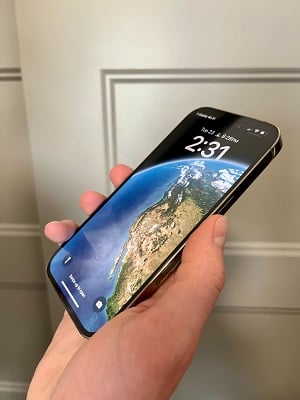
Image: Daphne Kelly | WhistleOut.com
If your iPhone isn't working, don't despair! There are plenty of fixes for your iPhone, like simply rebooting, sticking a wet phone in a bag of rice to dry it out, or even a factory reset. When you run low on phone storage space, try deleting apps. When your phone is running slowly, just follow our tutorial on how to clear your cache on an iPhone. And if you're like me and always misplace your phone, use Find My iPhone to track it down (chances are, it's probably under the couch cushions again).
Here are some additional ways to sort out common iPhone problems:


Best cell phone plans for iPhones
Although picking out one of the latest iPhone models is exciting, you also need mobile service. You can't make phone calls, send text messages, or download apps without it. Our favorite cell phone plans are T-Mobile's Experience More, AT&T's Unlimited Premium, and Verizon's 5G Play More Unlimited. For unlimited prepaid plans, we recommend Visible's Visible+ tier, Mint Mobile's Unlimited package, and US Mobile's Unlimited offering. On a budget, consider Tello or Twigby Mobile. Peruse the best cell phone plans to pair with your iPhone below:
|
#1
|
Visible

$25 Visible Plan
$25.00/mo
Taxes & Fees included
|
|
#2
|
Mint Mobile

Unlimited Data Plan
$10.00/mo
$60 for 6 months of service
|
|
#3
|
Verizon

Simplicity Plan
$30.00/mo
+ Taxes & Fees. Price includes AutoPay & Bring a Number discount
|
|
#4
|
AT&T

Premium 2.0℠
$90.00/mo
+ $35 Upfront
|
|
#5
|
T-Mobile

Experience Beyond 2.0
$100.00/mo
with Auto-Pay + Taxes and fees
|
FAQs
Do iPhones come with manuals?
No, iPhones don't come with printed manuals. However, you can find iPhone user guides online and great tips and tricks on sites, including those here on WhistleOut.
What is the best iPhone to buy right now?
The best iPhone to buy right now is the iPhone 14 Pro Max. However, any of the latest iPhone 14 models, including the 14 Pro, Plus, and vanilla iPhone 14, are fantastic purchases.
Which iPhone is the best value for money?
The best value iPhone for the money is the iPhone SE (2022).
When did the first iPhone come out?
The iPhone first came out in June, 2007.
Moe Long
Senior Writer

Thousands of cell phone plans unpacked. All the facts. No surprises.





.png?w=280&h=280&usm=20&usmrad=0.8&fit=crop "The Best Cheap Phone Plans for 2026: We Tested Them All to Help You Save")


